
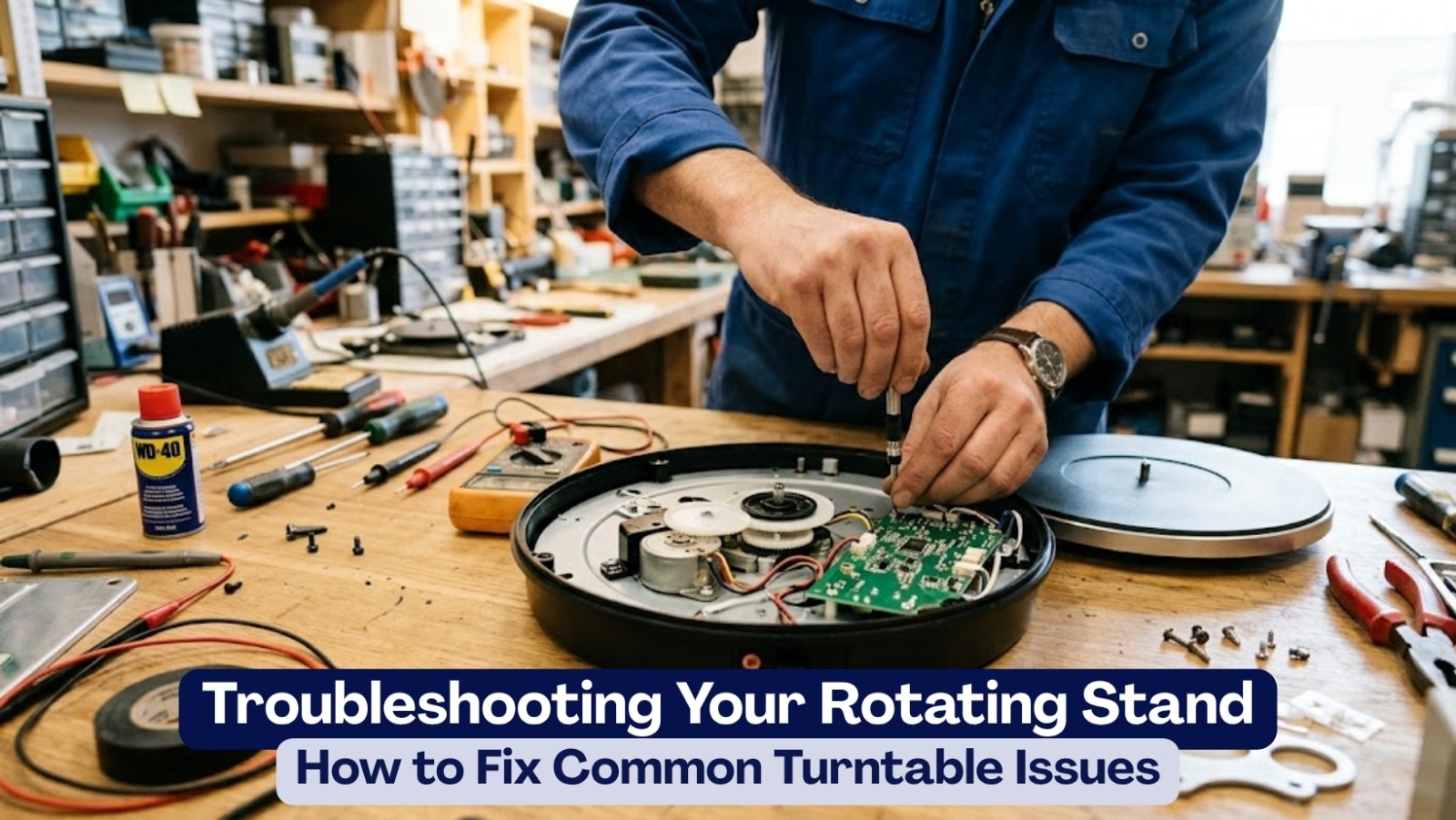
You’ve finally got a proper setup going. The ring light is casting soft, even light, the backdrop looks clean, and you’re about to film a product video that’s going to do real work for your brand. You place your item center-stage, flip the switch on your turntable, hit record — and nothing. The platform just sits there. Troubleshooting Your Rotating Stand.
A rotating stand that refuses to spin in the middle of a shoot is one of those frustrations that feels completely out of proportion to how simple the device looks. But if you sell in Pakistan’s social commerce space — where a smooth 360° TikTok or Reel can be the difference between a sale and a scroll-past — downtime costs you more than just time.
The good news is that most turntable issues have straightforward fixes, and you can usually diagnose and resolve them in under five minutes without any technical knowledge. This guide covers the most common problems: why your stand isn’t rotating, what causes jerky or noisy movement, and how to keep the whole setup running smoothly shoot after shoot.
Why Is My Turntable Not Rotating? (Start Here)
Before assuming something is broken beyond repair, work through this quick checklist. The vast majority of “turntable not rotating” complaints trace back to one of these three causes.
1. The Power Supply Isn’t Delivering Enough Current
Most motorized display stands in Pakistan run on USB power — either a cable connected to a wall adapter, a power bank, or a laptop port. Here’s the issue: the LED indicator light on your stand might glow just fine on a weak power source, but the motor itself needs more current (measured in milliamps) than a low-output port can actually deliver. The light comes on, the motor tries to engage, and nothing moves.
The fix: Try a dedicated 5V/2A smartphone wall adapter instead of a laptop USB port or an old charging brick. If you’re running on batteries, swap in a fresh set of alkalines rather than trying to squeeze more life out of depleted ones. Our Electric Rotating Display Stand and 3-in-1 Rotating Display Stand both run on standard DC 5V/2A — the same supply as a typical phone charger — so almost any quality adapter you already own should work.
2. The Product Is Too Heavy for That Specific Model
Every motorized turntable has a rated weight limit, and exceeding it stalls the motor. The stand doesn’t necessarily break immediately — it might just hum faintly while the plate refuses to move, or it might manage a partial rotation before stopping. Heavy items like thick winter boots, packed leather bags, or densely stacked electronics boxes are common culprits when paired with light-duty stands.
The fix: Remove the product and test the stand empty. If it spins freely without a load, your item exceeds the motor’s capacity for that model. Our 3-in-1 Rotating Display Stand handles up to 5kg (11lbs), which covers most fashion, footwear, and lifestyle products comfortably. If you’re regularly working with heavier items, contact us before ordering and we’ll help you pick the right unit.
3. The Product Is Placed Off-Center
This one catches people by surprise. Even when a product is well within the weight limit, placing it too far to one side creates uneven friction against the drive mechanism. The motor has to push harder on one side of every rotation than the other, which can cause it to stall, stutter, or freeze entirely.
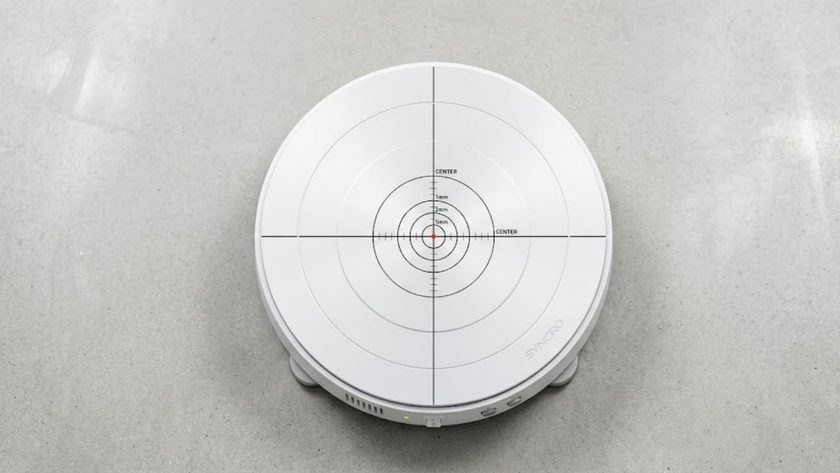
The fix: Switch the stand on while it’s empty and watch through your phone camera to find the exact center point. Mark it with a small pencil dot if needed. Place your item precisely there — even a centimeter off-center becomes very visible on a spinning platform.
Motor Noise and Speed Issues: How to Get a Clean Fix
Your stand is spinning, but something’s off — maybe it’s making a grinding noise, or the rotation speed keeps fluctuating instead of running at a consistent pace. Here’s how to tackle both.
Dealing With Grinding or Clicking Sounds
A loud clicking or grinding noise almost always means something has found its way into the gap between the rotating top plate and the stationary base — a stray thread from fabric products, a packaging staple, a bit of dust. The debris catches in the mechanism with every rotation.
The fix:
- Switch the stand off and unplug it completely.
- Press gently around the edges of the top plate to check if it feels physically stuck or off-track.
- Use a can of compressed air to blow around the seam — or blow firmly by mouth — to dislodge whatever’s caught in there.
One important note: don’t spray liquid lubricants like WD-40 directly into the seam. Standard WD-40 can damage plastic internal gears and, in some cases, short out the circuit board. If you need lubrication on a mechanical component, use a dry silicone spray instead — and only on metal-to-metal contact surfaces, not near any electronics.
Speed Stuttering and Inconsistent Rotation
If your turntable’s speed keeps fluctuating — spinning fast, slowing down, speeding up again for no obvious reason — the root cause is almost always unstable voltage reaching the motor. In Pakistan, voltage fluctuations from load shedding or unreliable extension leads are a genuine issue for USB-powered devices.
The fix: Switch from wall power to a quality power bank and see if the speed stabilizes. A power bank delivers a consistently regulated voltage regardless of what’s happening to the grid, which often resolves speed stuttering immediately. If it does stabilize on battery or power bank, your wall adapter or the extension lead feeding it is the culprit — not the stand itself.
For more background on how to get smooth, controlled rotation in your photography setup, our guide on How to Use Rotating Stands for Photography is worth reading alongside this one.
Why Visual Quality Matters So Much for Pakistani Sellers
Whether you’re running a boutique on Instagram in Lahore, dispatching leather goods from Sialkot, or selling through a shop page in Karachi, your product video is doing most of the trust-building work before a buyer ever commits to a COD order. Customers who can’t see the full texture, stitching, or back profile of what they’re buying are going to hesitate — and in a market where hesitation usually means moving on to a competitor’s page, a smooth 360° spin is one of the most practical ways to remove that friction.
A shaky or jerky clip caused by a malfunctioning turntable has the opposite effect: it makes the product look less premium than it actually is, and it signals to the buyer that something might be off — even if they can’t explain exactly why.
This also matters for how algorithms treat your content. Consistently posting high-quality, multi-angle product videos that keep viewers watching signals to platforms like TikTok and Instagram that your account is worth pushing to a wider audience. This concept — often called topical authority in SEO, but it applies equally to social video — is essentially about demonstrating sustained expertise in your niche through the quality and consistency of your output.
Electric vs. Manual: How Each Type Handles Common Problems
| Issue | Electric / Motorized Stand | Manual Lazy Susan |
|---|---|---|
| Won’t spin | Check power source or weight limit | Never an electrical issue, but hand pressure is inconsistent |
| Jerky rotation | Usually a power or debris fix | Inherent to hand-powered spinning — no fix available |
| Speed control | Adjustable on most models | No speed control — depends entirely on how hard you push |
| Video suitability | Seamless loops for Reels and TikTok | Limited to stop-motion or still photography |
| Long-term wear | Motor and gears; minimal on quality units | Mechanical wear on bearings with heavy use |
The manual stand will never stall due to a dead battery, but it also can’t produce the smooth, consistent rotation that makes social media product videos actually work. For any seller creating regular content for TikTok, Instagram Reels, or Daraz listings, a quality motorized stand is the more practical tool — especially once you know how to troubleshoot the occasional issue.
Browse our full range in the Photo Studio Accessories category, including the USB-Powered Rotating Display Stand (compact, three speed settings, great for jewelry and small products), the Electric Rotating Display Stand (clean matte finish, remote included), and the 3-in-1 Rotating Display Stand (three interchangeable plates, 5kg capacity, wireless remote for direction and speed control mid-shoot).
A Simple Pre-Shoot Routine That Prevents Most Problems
Build these four checks into the start of every shoot and you’ll eliminate the vast majority of mid-session issues before they happen.
1. Check your surface is level. A slightly tilted table forces the motor to push harder on one side of every rotation than the other, causing visible speed variation in your final clip. Use a phone-based spirit level app to check before you set anything up.
2. Test the stand empty first. Switch it on before placing any product. If something sounds off or the rotation isn’t smooth, you want to know now — not after you’ve framed your shot and adjusted your lighting.
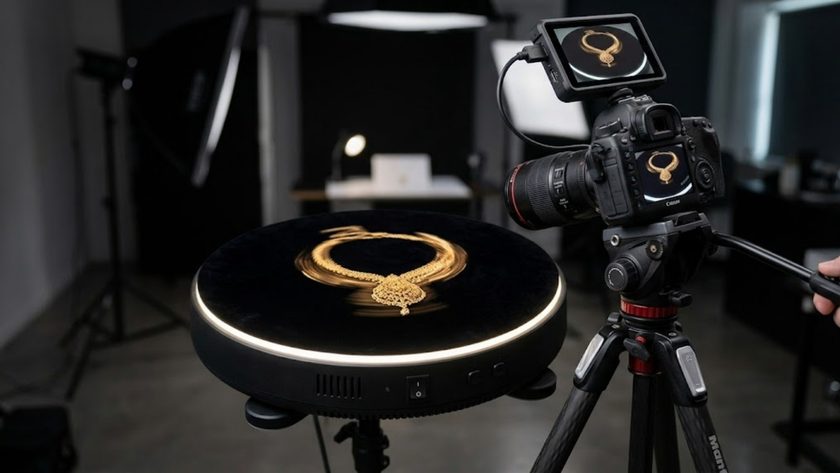
3. Lock your phone’s exposure before recording. As your product rotates, different surfaces catch light at different angles, and an auto-exposure camera will constantly readjust brightness, creating a distracting flicker throughout the clip. Tap and hold on your phone screen until AE/AF Lock appears, which pins both focus and exposure for the full rotation. This small step makes an enormous difference to the final video quality. For a full breakdown of this and other filming techniques, Digital Photography School’s guide on manual exposure is a helpful free reference.
4. Use a tripod, not your hands. This seems obvious, but it’s worth stating plainly: even very slight hand movement while filming a spinning object is visible in the footage. A 26cm Ring Light with 7-Foot Tripod Stand gives you a stable camera mount and diffused lighting in one setup. For smaller products, the PULUZ 30cm Ring Light Folding Photo Box and the PULUZ Portable Mini Photo Studio Box with 2 LED Panels both provide a fully enclosed, shadow-free environment that pairs naturally with any of our turntable stands. For a deeper review of how these light boxes perform in practice, see our blog post on the Best Photography Light Box for Small Products.
Related Reads From Our Blog
- What Is a Rotating Turntable Stand? The Complete Guide for Pakistani Sellers
- How to Use Rotating Stands for Photography
- 5 Business Uses for Rotating Stands That Pakistani Sellers Need to Know
- Best Rotating Display Stands 2026: The Complete Buying Guide
Conclusion
A malfunctioning turntable rarely means something is permanently broken. In almost every case, the problem comes back to power, weight, or alignment — and each of those has a straightforward fix that takes a few minutes. Run through the checklist in this guide, build a quick pre-shoot routine, and your stand will consistently deliver the smooth, professional rotation that makes product videos actually perform.
At eGalaxy.pk, we back all our rotating display stands with a 7-day replacement policy and ship nationwide with tracked delivery. If something isn’t right after following these steps, reach out through our Contact page or check our FAQ for further guidance. Ready to upgrade or replace your current setup? Browse the full range in Photo Studio Accessories and find the right stand for your product type and weight requirements.