
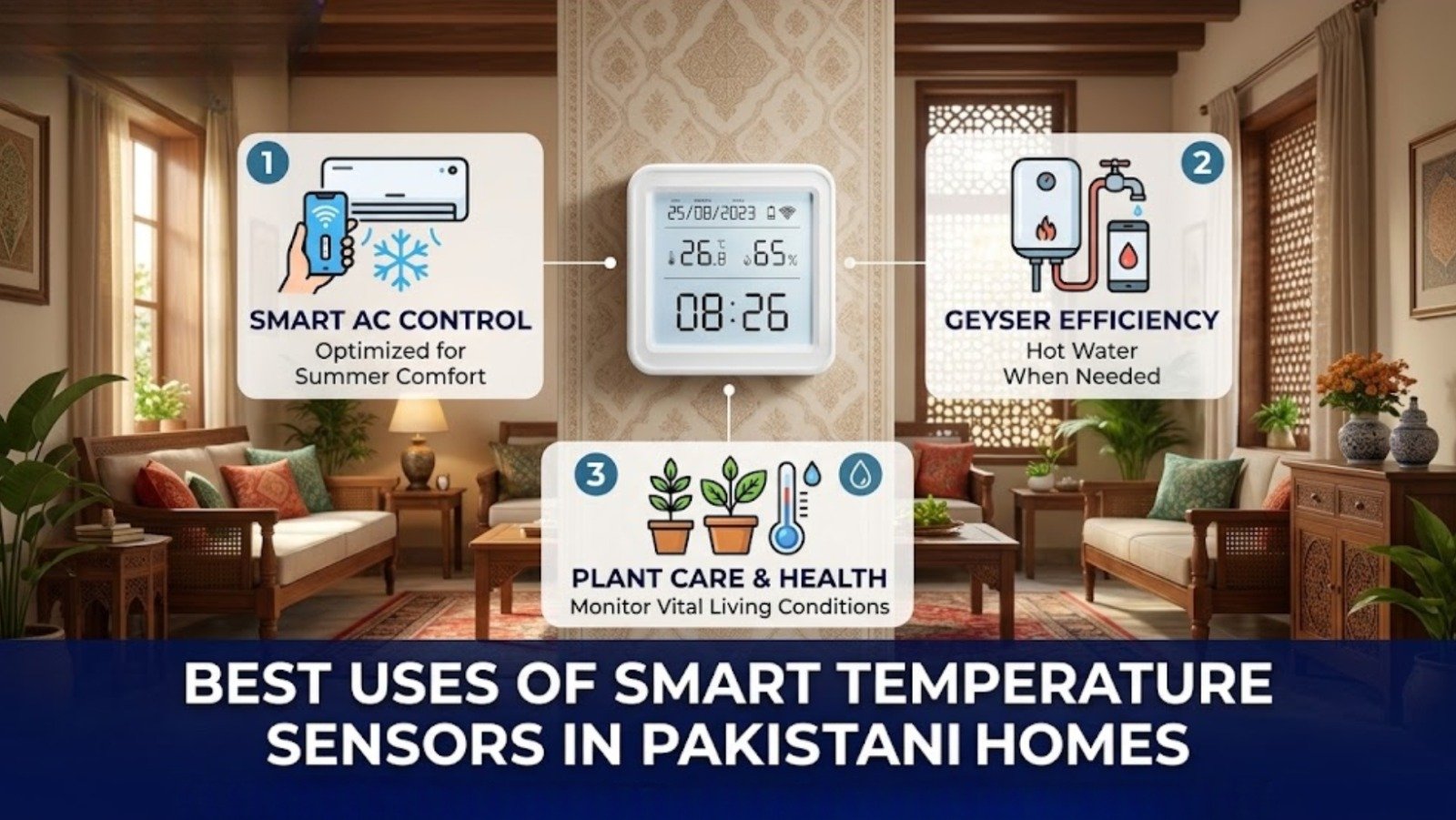
Home automation conversations tend to circle back to the same few things — voice-controlled lights, video doorbells, robot vacuums. The indoor climate rarely gets mentioned, even though it’s arguably one of the things that affects daily life the most: how well you sleep, whether your electronics last, and how big your AC bill ends up being every month. Best Uses of Smart Temperature Sensors in Pakistani.
Pakistan’s climate doesn’t make this easier. Summers push temperatures into territory that stresses both people and equipment, monsoon humidity invites mold into walls and cupboards, and winter dryness brings its own set of irritations. A smart temperature sensor is a small, unglamorous device that quietly manages all of this — and once it’s set up, most of the value comes from simply letting it run in the background.
What This Device Actually Does
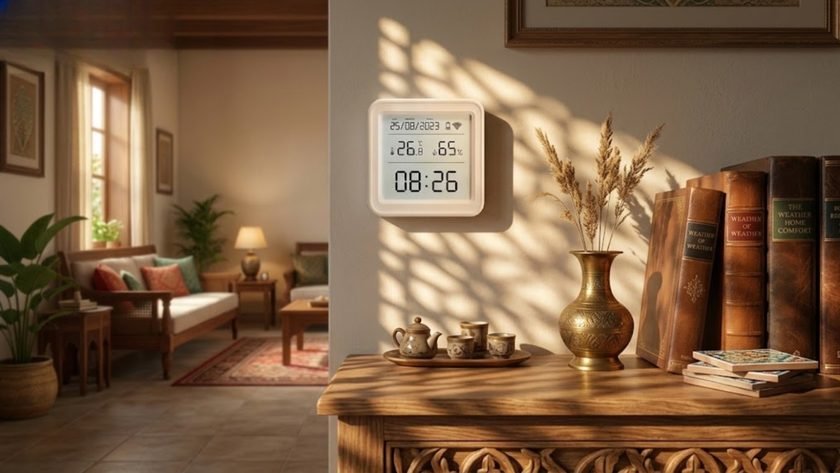
A smart temperature and humidity sensor is a compact, Wi-Fi connected device that continuously tracks the thermal and moisture conditions of the room it’s in. Unlike a standard analog thermometer, it syncs with an app — usually Tuya Smart — and gives you real-time updates plus historical data, so you can see how a room’s climate shifts across a day, not just what it reads right now.
eGalaxy’s Smart Temperature & Humidity Monitor is a straightforward example — a backlit display for at-a-glance readings, paired with full app connectivity for remote tracking. If you want the deeper mechanics of how it works and connects, our earlier guide on why every smart home needs a temperature and humidity sensor covers that in more detail.
Why This Is Worth Adding to a Pakistani Home
Comfort and Health
Pakistan’s climate swings hard. Monsoon humidity encourages mold and general discomfort, while dry winter air tends to irritate airways. A sensor helps you find and hold that in-between “comfortable” zone rather than reacting after the room already feels off.
Real Energy Savings
This is the feature that actually changes a monthly bill. Set an automation so your AC or humidifier switches on once a room crosses a set threshold, and switches off once it hits target — instead of running for hours because nobody was around to turn it off manually. Given current electricity costs in Pakistan, this alone tends to justify the sensor’s cost fairly quickly.
Remote Alerts When You’re Not Home
If you’re at work or traveling and something in your home spikes — say, a room getting unusually hot — you get a push notification the moment it happens rather than finding out when you’re back. This matters more than people expect if you keep pets at home or store anything temperature-sensitive.
Best Uses of Smart Temperature Sensors in Pakistani Homes
1. Managing the Nursery
Babies regulate body temperature far less efficiently than adults, and a room that’s too warm overnight is a genuine risk during sleep. A sensor in the nursery, paired with a smart fan or AC, keeps the room in a steady, safe range through the night without anyone needing to check in every hour.
2. Protecting Electronics and Home Setups
Gaming rigs, server racks, and other sensitive electronics don’t handle sustained heat well in a small, poorly ventilated room. A sensor watching a home office or media room gives you an early warning before heat becomes a hardware problem, not after.
3. Greenhouse and Indoor Plant Care
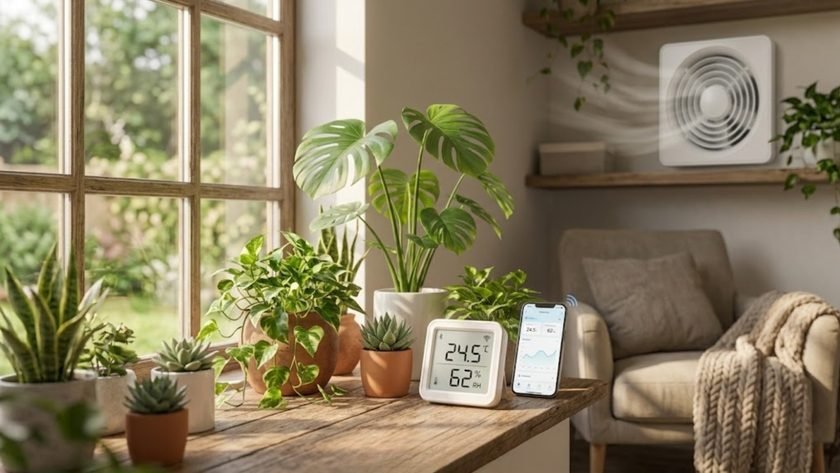
For anyone growing rare or indoor plants, humidity control is often the difference between healthy growth and fungal problems. A sensor tracking a small greenhouse or plant corner can trigger ventilation automatically on unusually humid days, before mold has a chance to set in.
4. Preventing Mold and Dampness
In homes prone to damp — ground floor rooms, areas near bathrooms, poorly ventilated storage — high humidity causes real, lasting damage to walls and furniture over time. Link a humidity sensor to a Smart Plug running a dehumidifier, and the drying process handles itself automatically once humidity crosses a set threshold, rather than depending on someone remembering to switch it on.
Getting Started
Setting this up doesn’t take long, and there’s no wiring involved.
Placement. Pick the area you actually want to monitor, and mount the sensor at roughly eye level or in a central spot for the most accurate reading.
App setup. Connect the sensor to your home Wi-Fi and pair it with the Tuya Smart or Smart Life app.
Build a scene. In the app’s “Smart” tab, set an automation — for example: if temperature rises above 30°C, turn on the smart AC.
Let it run. Once configured, the automation handles the rest without needing daily attention.
For a wider setup, pairing your sensor with Motion Sensors or a Smart Switch on the AC unit adds another layer — rooms that are both empty and too warm can be handled with a single combined rule.
Frequently Asked Questions
Do I need a hub, or does it connect directly to Wi-Fi? Most WiFi-based sensors connect straight to your home router through the app — no separate hub required. Zigbee-based setups do benefit from a gateway hub if you’re running a larger multi-device system, but it’s not a requirement to get started.
Is installation difficult? No — these are wireless, compact devices designed for a quick DIY setup. Mounting on a wall or simply placing one on a shelf takes a few minutes.
Will this actually lower my electricity bill? Indirectly, yes. The savings come from automating ACs and heaters to run only as long as needed, rather than from the sensor itself. Precise automation, not the sensor alone, is what drives the saving — EPA guidance on moisture and mold control also notes that consistent climate control is the most effective long-term prevention method, which lines up with what automated cooling and dehumidifying achieve here.
Can one sensor monitor my whole house? No — it monitors the room it’s placed in. Most households use one per zone that matters most: nursery, home office, greenhouse, or any storage area holding furniture or electronics worth protecting.
Start With the Room That Matters Most
You don’t need to sensor-outfit an entire house on day one. Pick the room where temperature or humidity actually causes a problem — a nursery, a damp storage space, an electronics-heavy office — and start there. Explore eGalaxy’s full range of Smart Home Devices and energy-saving switches to build out the rest of the setup as you go.