Most home automation conversations start with lighting, locks, or security cameras. Almost nobody starts with the air itself — and that’s a strange gap, because indoor climate is the one thing touching your health, your furniture, and your electricity bill every single hour of the day.
Too much humidity breeds mold and warps wood. Dry winter air cracks leather and irritates your throat. And in a country where seasons swing hard between extremes, keeping indoor conditions stable by instinct alone is basically guesswork.
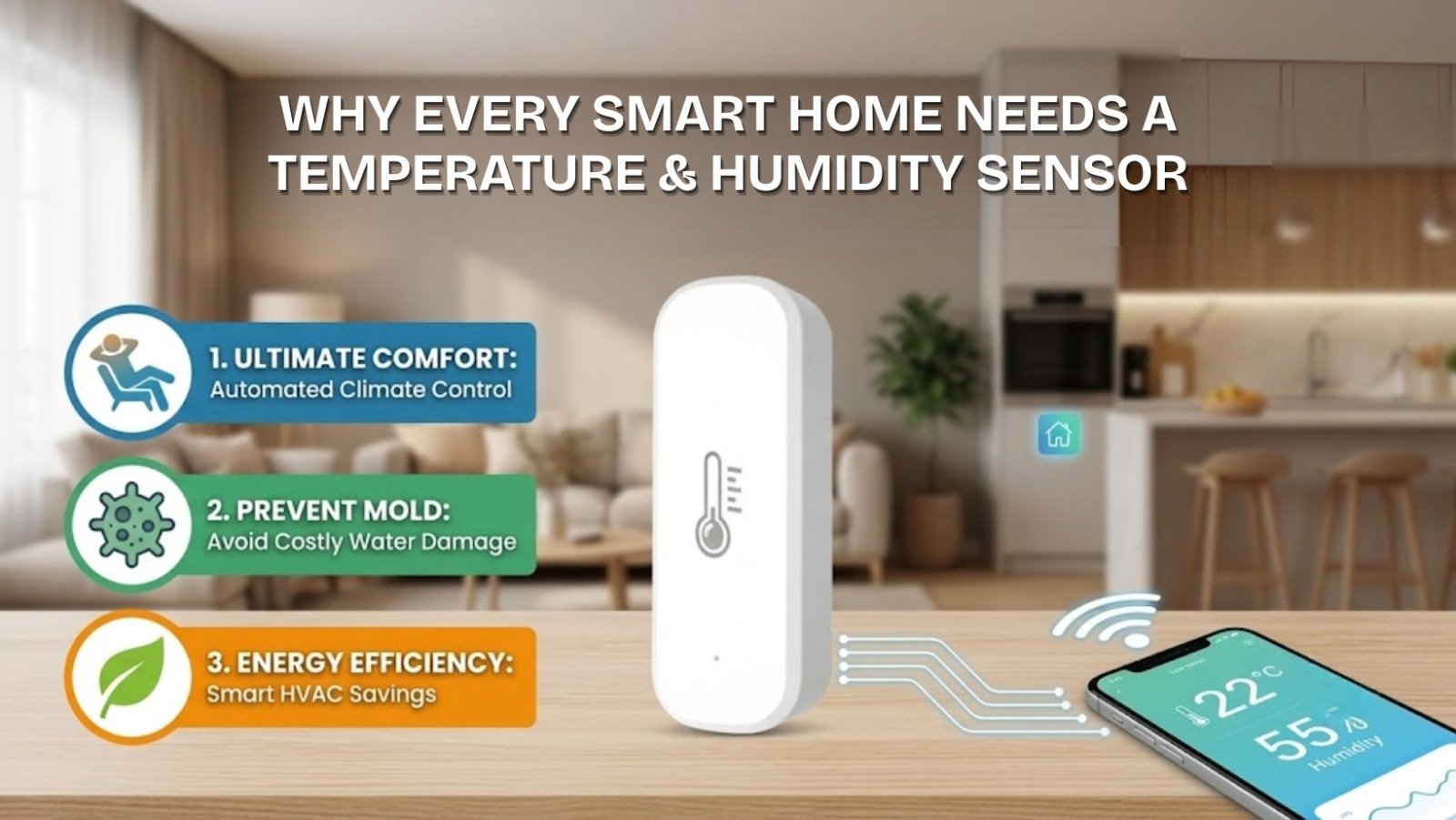
This is exactly the gap a Why Every Smart Home Needs Temperature & Humidity Sensor fills. It’s a small, unglamorous device, but once it’s running, it quietly does more for your home’s comfort and your electricity bill than almost anything else you could add.
What Is a Smart Temperature & Humidity Sensor, Exactly?
It’s a compact, battery-powered device that tracks indoor temperature and relative humidity in real time, then sends that data wirelessly to your phone or smart home app — instead of just displaying a number you have to walk over and read.
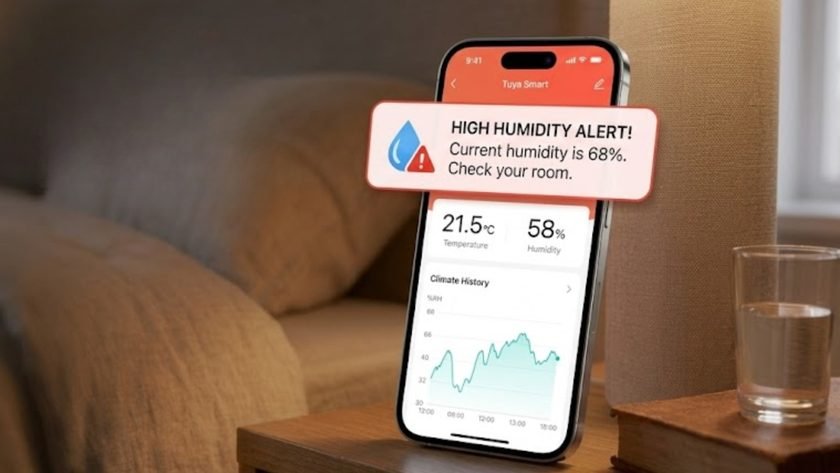
Inside, a small digital probe measures both readings continuously and reports them to an app like Tuya Smart. From there, you can check historical trends, get instant alerts when something’s off, and set up automations that react to the data automatically — turning on a dehumidifier, switching on an AC, or notifying you the moment a room gets too warm.
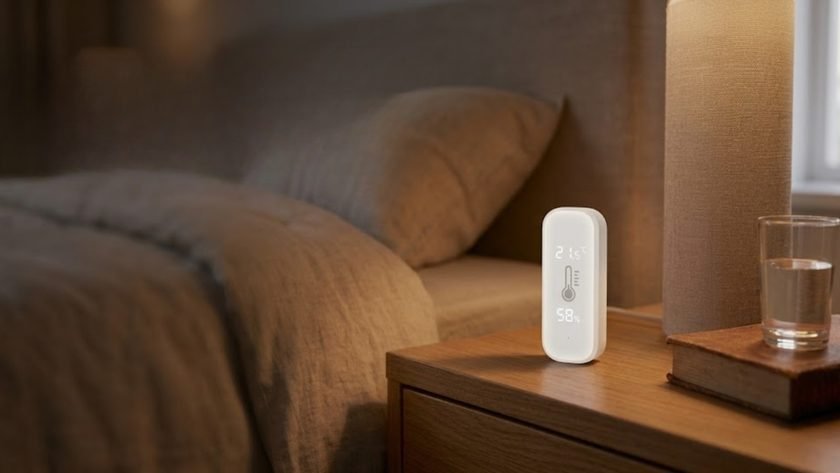
If you want to see one in action, eGalaxy’s Smart Temperature & Humidity Monitor is a good example — a backlit display paired with app connectivity, built for exactly this use case.
Why This Actually Matters in a Real Home
Data for its own sake isn’t useful. Here’s where it translates into something you’d actually notice.
Protecting Furniture and Electronics
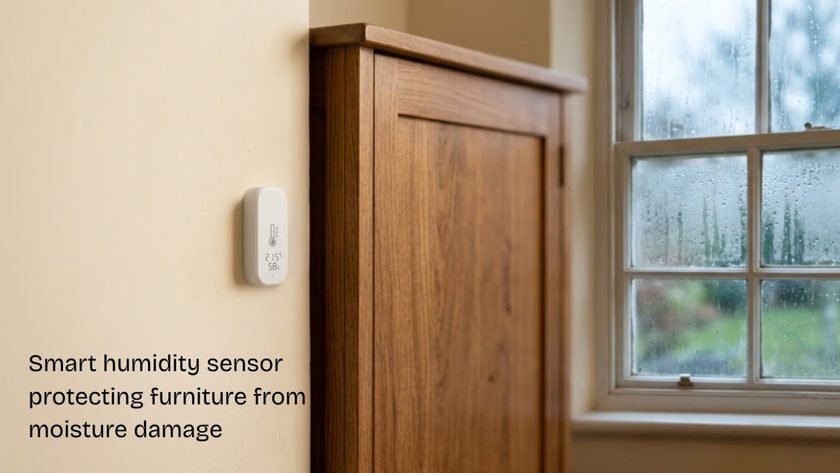
Wood furniture, leather goods, musical instruments, and sensitive electronics don’t handle extreme swings well. High humidity warps wooden doors, breeds mold behind cabinets, and can cause condensation damage inside circuit boards. Very dry air, on the other hand, cracks leather and dries out wood joints. A sensor tracking this constantly gives you a chance to act before the damage is already done — running a dehumidifier, cracking a window, or adjusting the AC before things go too far in either direction.
Health and Easier Breathing
High indoor moisture encourages dust mites and mold spores, both common asthma and allergy triggers. Having clear, constant visibility into humidity levels means you can run an air purifier or dehumidifier at the moment it’s actually needed, rather than reacting after someone’s already congested.
Where the Real Savings Come From
This is the part that tends to convince people who were on the fence. Most households run their AC or heater far longer than necessary simply because there’s no feedback loop — you turn it on when it feels hot, and it stays on until someone remembers to check.
Automating the AC or Heater
With a sensor talking to a compatible thermostat or smart plug, you can set a rule like: if the room temperature rises above 26°C, turn the AC on and cool to 24°C; once it hits target, the AC switches off or drops into eco mode automatically. No more over-cooling a room because nobody was there to notice it had already reached a comfortable temperature. Pairing the sensor with a Smart Plug on the AC unit, or a compatible Smart Switch on a wall-mounted unit, is usually all that’s needed to make this work.
Cutting Waste From Empty Rooms
Linking your climate sensor with a motion or door sensor closes another common leak — an AC running in a room nobody’s in, or cooling a space with a window left open. If the door’s open or no motion’s been detected for a while, the automation can shut the unit down on its own. eGalaxy’s Motion Sensors category has a few options that pair well for exactly this kind of rule.
Specific Places This Makes a Real Difference
Nursery and Kids’ Rooms
Babies and young toddlers regulate body temperature far less efficiently than adults, and overheating in a nursery is a recognized risk during naps and overnight sleep. A sensor near the crib gives you an instant alert the moment the room gets too warm or too humid, without needing to check in person every hour.
Kitchens and Bathrooms
Both spaces generate heavy moisture fast. Left unchecked, that humidity peels wallpaper and ruins paint over time. Automating the exhaust fan to switch on the moment humidity crosses a set threshold keeps these rooms dry without anyone having to remember to flip a switch.
Home Offices, Server Setups, and Indoor Plants
If you’re running a home server rack, a high-performance workstation, or even a small indoor greenhouse setup, staying inside a strict temperature range genuinely matters — for hardware lifespan on one end, and plant health on the other. Real-time alerts mean you find out immediately if a cooling fan fails, not after the damage is done.
Smart Sensor vs Traditional Thermometer
| Feature | Traditional Thermometer | Smart Temperature & Humidity Sensor |
|---|---|---|
| Data Access | Local only — you have to walk up to it | Remote, from anywhere via your phone |
| Alerts | None | Instant push notifications for spikes or drops |
| Automation | None | Triggers ACs, humidifiers, and smart switches |
| Historical Data | None | Weekly and monthly trend charts |
| Ecosystem Integration | Standalone | Connects with apps like Tuya Smart |
Setting One Up With the Tuya Smart App
This is genuinely one of the simpler smart devices to get running — no wiring involved at all.
Step 1 — Placement. Insert the batteries and pick a central spot in the room, away from direct sunlight, AC airflow, or heat-emitting appliances, since any of those will skew the reading. Adhesive tape or a shelf both work fine.
Step 2 — Prep the app. Download Tuya Smart and connect your phone to your home’s 2.4GHz Wi-Fi (most sensors won’t pair over 5GHz).
Step 3 — Pairing mode. Press and hold the reset button until the LED starts flashing — that’s pairing mode active.
Step 4 — Add the device. Tap “+” in the app, choose the “Sensors” category, select the temperature and humidity sensor type matching your model, confirm the blinking LED, enter your Wi-Fi password, and let the app find and link it.
Step 5 — Build automations. Head to the “Smart” tab to set conditional rules — link the sensor to a smart plug running a humidifier, or set a notification for whenever humidity crosses 70%.
For a broader setup covering lighting, security, and climate together, eGalaxy’s Home Automation and Zigbee Smart Devices collections are worth browsing alongside this.