
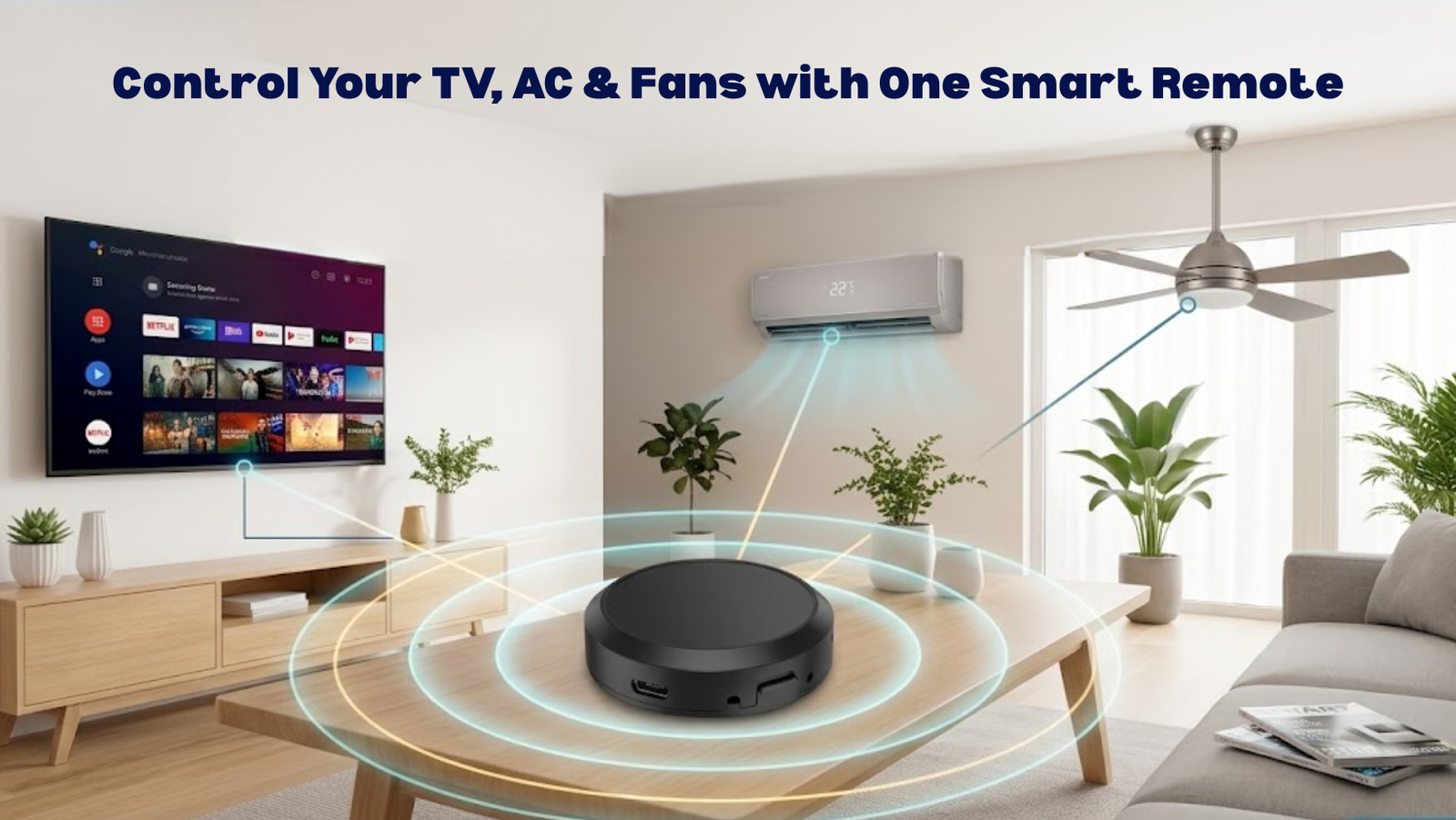
Look at almost any coffee table in a Pakistani living room and you’ll find the same clutter: a remote for the TV, another for the AC, a third for the ceiling fan regulator, and maybe a fourth for the sound system or cable box. It’s a small annoyance until the one you actually need slides between the sofa cushions, and suddenly adjusting the fan speed means getting up anyway. Control Your TV AC & Fans with One Smart Remote.
There’s a simpler way to run all of it. A WiFi IR + RF Universal Remote consolidates every infrared and radio-frequency clicker you own into one app on your phone — no more guessing which remote does what, and no more appliances stuck on the wrong setting because the right remote is missing.
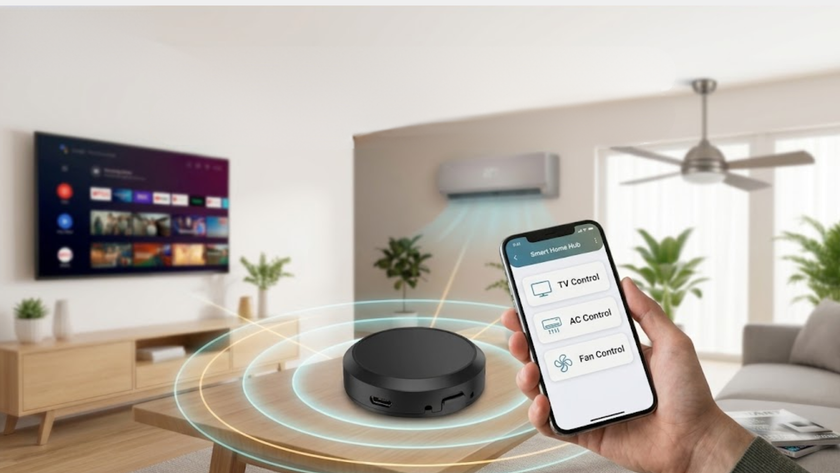
How One Device Manages Every Appliance in the Room
Traditional remotes rely on one of two signal types:
- Infrared (IR) needs a direct line of sight — press a button, and an invisible beam travels straight to the receiver. Block that path with a coffee cup or a stack of books, and the command just doesn’t land.
- Radio Frequency (RF) travels through walls without needing a clear line of sight, which is why it’s common for ceiling fan regulators, motorized curtains, and garage doors.
A universal remote hub bridges both. It connects to your home’s 2.4GHz Wi-Fi, fires IR signals 360 degrees around the room, and handles RF-based appliances through a built-in transmitter. Tap a button in the app, and the command travels over the internet to the hub, which instantly sends out the matching IR or RF signal. Since it’s pre-loaded with codes for thousands of brand models, it can realistically replace nearly every handheld clicker in the house.
If you want the deeper technical breakdown of how the pairing and code-learning process actually works, our guide on what a WiFi IR + RF universal remote is covers that in detail. This one focuses on what it actually looks like to run your TV, AC, and fans through it day to day.
Why This Matters More in a Pakistani Household
A Cleaner Living Room
Three or four remotes stacked on a table isn’t just clutter — it collects dust and looks messier than it needs to. Swap all of it for one app, and the room instantly reads as more current without changing anything else.
It Works With the Brands You Already Own
Most homes run a mix — Haier, Dawlance, Gree, or Kenwood ACs alongside Samsung, Sony, or TCL TVs. A good universal remote’s cloud database covers both local and international brands, so it pairs with what’s already in your house rather than requiring you to replace anything.
Peace of Mind When You’re Not Home
Ever left for work wondering if the AC or TV got left running? With remote access through the app, you can check appliance status from anywhere and shut something off with a tap — a small habit that adds up to real savings on the electricity bill over a month.
Running Your Three Most-Used Appliances
Air Conditioning
AC is usually the single biggest line item on a Pakistani electricity bill during summer, so managing it well matters more than any other appliance in the house.
- Pre-cooling — turn the AC on from your phone twenty minutes before you get home, so you walk into a room that’s already comfortable instead of blasting it on full power the moment you arrive.
- Scheduling — set it to switch to eco mode or shut off entirely at 3 a.m., so you’re not sleeping in an overly cold room and burning electricity for no reason.
TV and Entertainment Setup
A typical entertainment setup involves a TV, soundbar, satellite box, and maybe a gaming console — all needing to be in sync for something as simple as watching a movie.
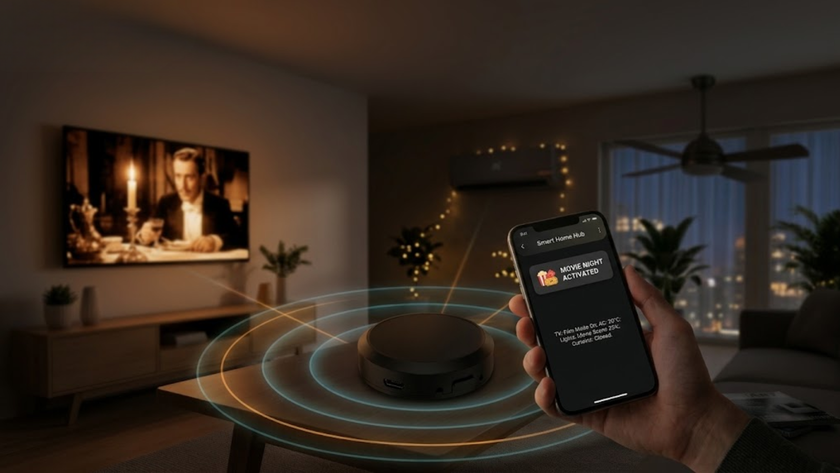
With everything mapped into one app, a single tap — or one voice command — can dim the lights, turn on the TV, switch input to the streaming box, and power on the sound system together, instead of doing each step separately.
Ceiling Fans and Other RF Appliances
Most ceiling fans in Pakistan run on wall regulators or standalone RF remotes. Since the universal hub also handles RF signals, it can learn your fan’s existing remote and let you adjust speed straight from your phone — including from bed, without hunting for a clicker that’s rarely where you left it.
Automation Scenarios Worth Setting Up
After load-shedding. Voltage can spike briefly when power is restored. Setting appliances to not all fire back on simultaneously helps protect sensitive electronics from that surge.
A “Good Night” routine. One tap turns off the TV, switches the AC to a sleep-friendly eco mode, and powers down anything non-essential — instead of walking room to room checking switches manually.
For guests or elderly family members. If navigating a phone app isn’t practical for everyone in the house, linking the remote to Amazon Alexa or Google Assistant means a simple spoken command — “Alexa, turn on the living room AC” — handles it without touching a screen at all.
Setting It Up
This is a genuinely simple DIY process, with no wiring or professional installation involved.
Step 1 — Place and power it. Put the hub somewhere central, within line of sight of your main appliances. Avoid tucking it inside a closed media cabinet — anything blocking the IR path will stop it from working properly. Connect it to a standard USB power source.
Step 2 — Download the app. Get Tuya Smart or Smart Life from your app store and log in or create an account.
Step 3 — Pair the hub. Tap “+” in the app, select “Universal Remote Control,” put the hub into pairing mode (usually holding the reset button until the LED flashes), and connect it to your 2.4GHz Wi-Fi — 5GHz networks generally aren’t supported.
Step 4 — Add your appliances. Tap the hub in the app, select “Add Appliance,” choose the category (AC, TV, fan), search your brand from the database, and test the on-screen buttons. Once your appliance responds correctly, save the profile.
For a wider setup, pairing this with a Smart Plug for non-IR appliances, or a Smart Switch for lighting, extends the same kind of one-app control across the rest of the house.